
Fort Lauderdale
Give three family photos an archive of their own
Use the scanners at the African American Research Library and Cultural Center to preserve a few family photographs, including the handwriting on the back.
Start the activity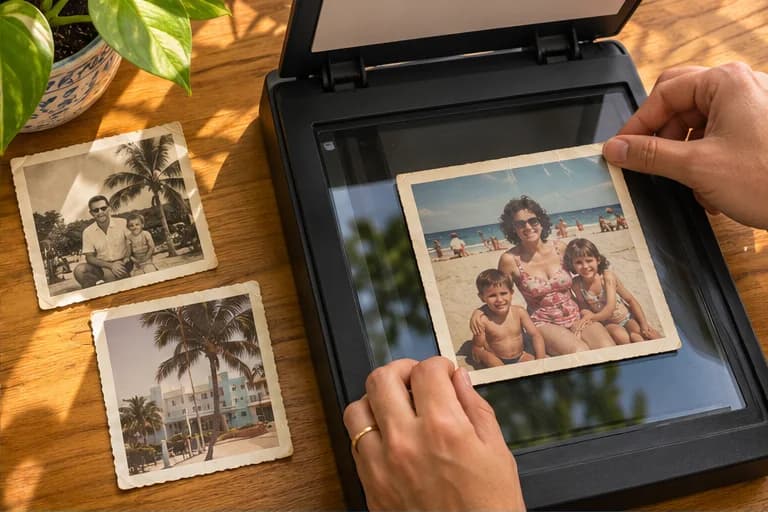
Step by step
Book the scanner
Call the Digital Memory Lab at 954-357-6138 to reserve a free appointment for photo prints. Bring your library card and storage drive. A cardholder aged 14 or older makes the reservation. Children 13 and younger need a parent or guardian present.
Scan both sides
At 2650 Sistrunk Boulevard, follow the lab’s scanner instructions. Give each photo an ID such as family-01. Save the front and any writing on the back under that ID, then open the files to check that every edge is visible.
Save the story with the image
Make a text file with one entry per ID. Record who identified the people, where the photo was taken and whether the year is approximate. Leave a question for your family where a detail is missing. At home, make a second copy of the folder.